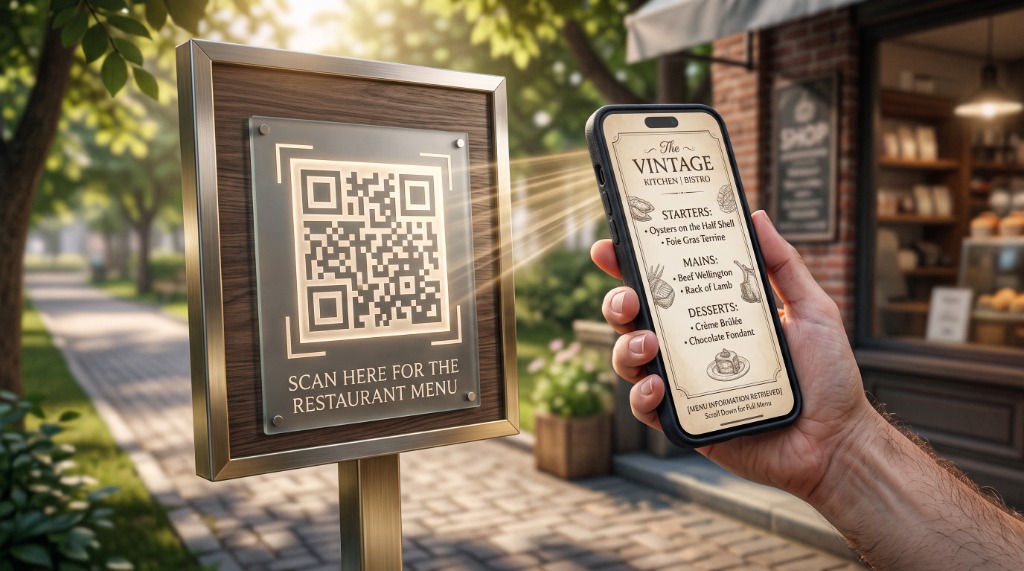
Whether you’re at a cafe at Sandstone Point or receiving a letter from the Council, QR codes (those little square “scrambled” boxes) are everywhere. While they are very convenient, it’s important to use them safely.
How to Scan Safely
You don’t need a special app to scan a QR code—just open your regular Phone Camera and point it at the square. A link will pop up on your screen. Stop and look at the link before you click it. It should look like a normal website address (e.g., moretonbay.qld.gov.au).
The “Sticker” Scam
Be wary of QR codes that look like they’ve been pasted as a sticker over the top of an original sign (like on a parking meter or a public notice). Scammers sometimes place their own stickers over legitimate ones to redirect you to a fake payment site. If the sticker looks tampered with, play it safe and type the website address in yourself.