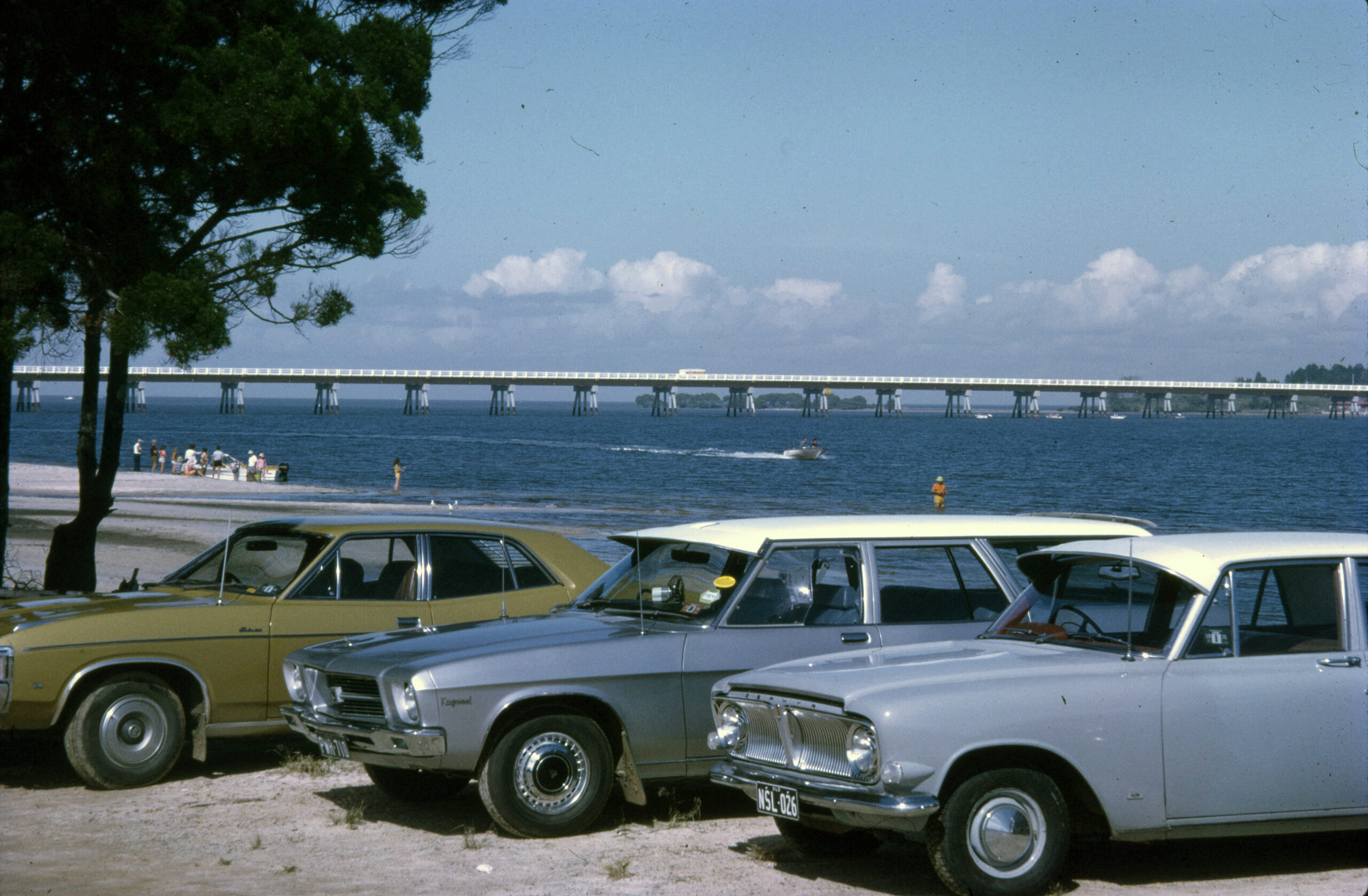
Living on the island, we all know the “Bridge Struggle.” Whether it’s an accident or just holiday peak hour, getting across can be a gamble. However, your smartphone can actually “see” the traffic before you even leave your driveway.
The QLDTraffic App
The official QLDTraffic app (managed by the Department of Transport) is a game-changer. You can set the Bribie Island Bridge as a “Favourite Route,” and the app will send a notification to your phone if there is a delay or a crash. You can even view live webcams of the bridge to see the traffic flow for yourself.
Google Maps vs. Reality
If you use Google Maps or Apple Maps, look for the Red and Orange lines on the road. Red means stationary traffic. If you see a solid red line starting at the Ningi United station, it might be a good time to stay home and put the kettle on instead!