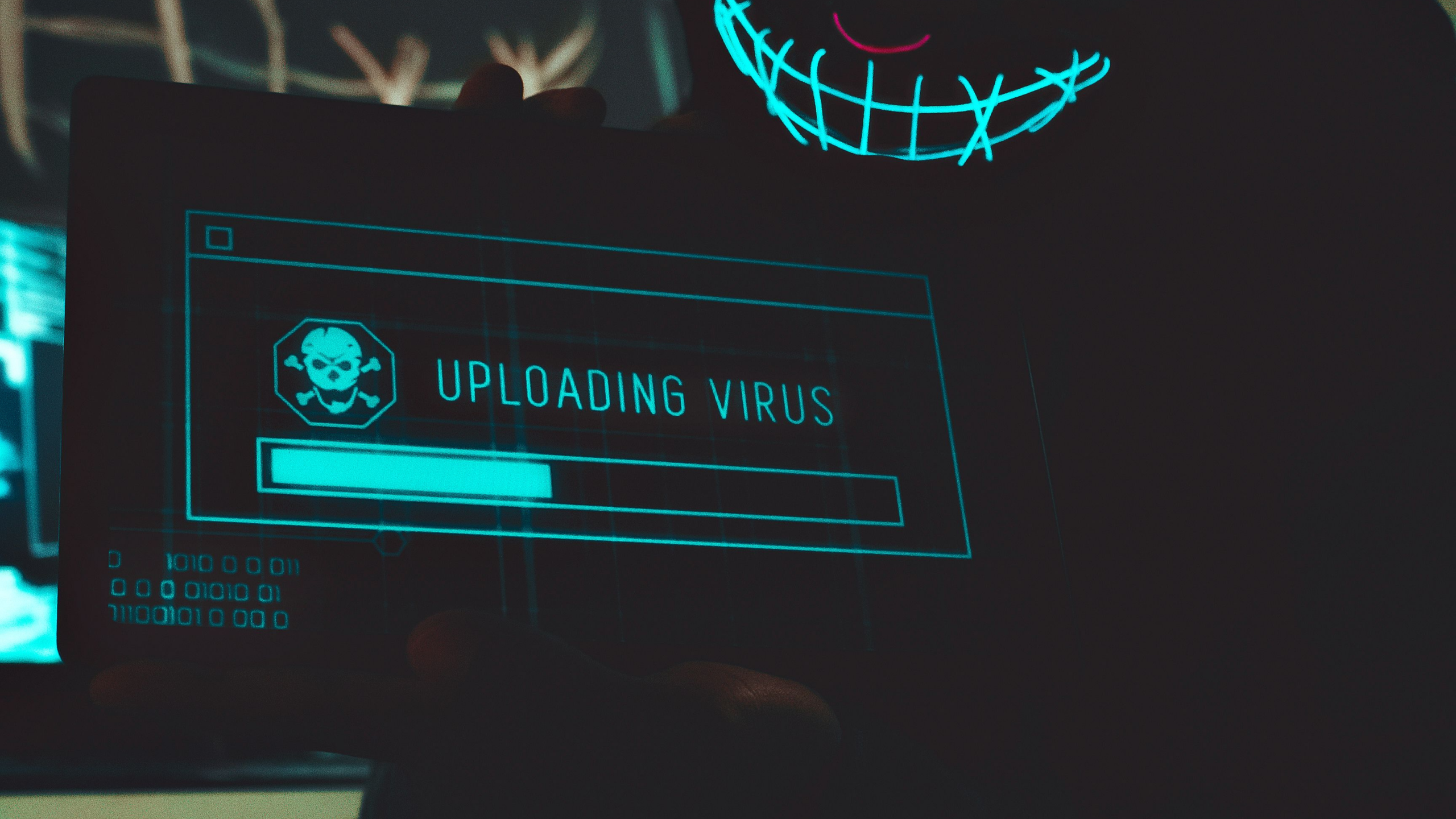
We’ve recently seen a surge of local residents coming in with phones that seem “possessed.” They are bombarded by full-screen ads every few seconds, making it almost impossible to even open the settings to fix it. This is usually caused by “Adware”—malicious software hidden inside seemingly innocent apps.
How They Get In
These apps often masquerade as something useful: a “Battery Booster,” a free game, or a “Flashlight” app. Once installed, they wait a day or two before they start the “ad-bombing,” so you don’t immediately associate the problem with the new app.
The “Invisible” App Trick
To stay hidden, many of these apps will change their icon to look like a generic “System” folder or even become invisible in your app list. If your phone is heating up, the battery is draining rapidly, or you can’t look at a photo without a pop-up ad appearing, you likely have a hijacker onboard.
The Fix
Don’t click on the ads! They often lead to even worse scams. Instead, try to restart your phone in “Safe Mode,” which disables all downloaded apps and allows you to find and delete the culprit. If the pop-ups are so frequent that you can’t even get into your settings, it’s time to seek professional help.