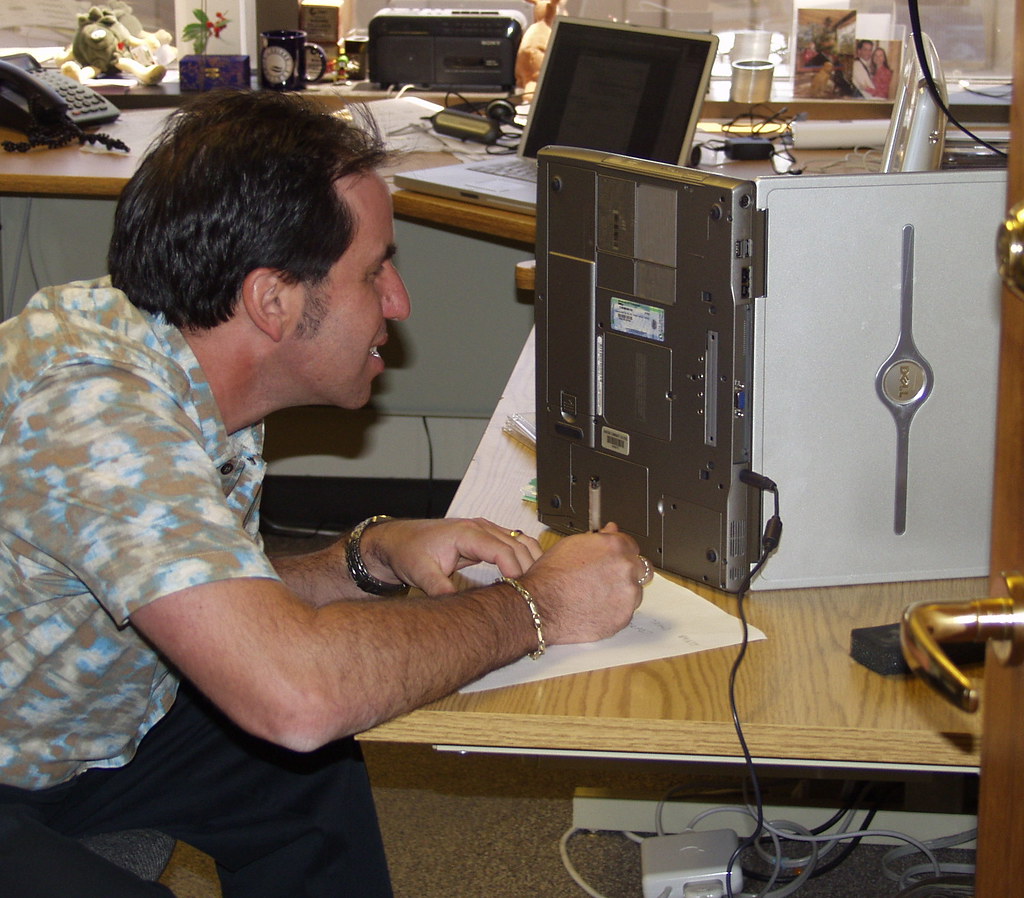
Every computer owner knows the pattern: blazing fast out of the box, then a year or two later it takes forever to start, programs hang, and you find yourself waiting on a machine that used to keep up with you. Here is why it happens, and honestly, what helps versus what is snake oil.
The usual suspects
Startup program creep. Every program you install wants to launch at startup “for your convenience.” Spotify, Adobe updaters, printer utilities, cloud sync tools, that thing you installed once in 2024. Individually harmless, collectively they mean your computer runs a marathon before it even shows you the desktop.
The mechanical drive problem. If your computer still has a spinning hard drive (many older ones do), it is the single biggest bottleneck, and it gets worse as the drive ages and fills up.
Software bloat and leftovers. Uninstalled programs leave files, services, and registry entries behind. Browser extensions pile up. Windows updates stack on top of old files. None of it breaks anything, it just adds weight.
Not enough memory for modern software. Programs get heavier over time. The browser that used a little memory in 2020 now wants gigabytes, because websites are heavier too. A machine with 8GB that was fine then feels strained now.
Heat and dust. Dust-clogged fans make your computer run hot, and hot computers deliberately slow themselves down to avoid damage. Especially common in laptops and especially common near the coast where dust meets humidity.
What actually helps (in order of impact)
- Upgrade to an SSD. If it still has a spinning drive, nothing else comes close to this difference.
- Clean out startup programs. On Windows, Task Manager > Startup tab shows everything launching at boot. Most of it can be disabled safely. On Mac, System Settings > General > Login Items.
- Uninstall what you do not use. Be honest, when did you last open half of these?
- Physically clean it. Dust out of vents and fans. This alone can transform a hot, throttling machine.
- More memory, if it can take it. Going from 8GB to 16GB is often cheap and worthwhile.
What is mostly snake oil
- “PC cleaner” apps advertised in pop-ups promising to speed up your computer. At best they do what Windows already does; at worst they are the problem, or outright malware.
- Registry cleaners. The performance gains are mythical; the risk of breaking something is real.
- Defragmenting an SSD. Modern drives should never be defragged (Windows knows this and will not do it).
When software cleanup is not enough
Sometimes the honest answer is a fresh start. A clean reinstall of Windows or macOS, with your files backed up and restored, removes years of accumulated cruft at once. It is more work, but a five-year-old machine with an SSD and a fresh system can genuinely feel like a different computer.
And when it is just old
If your computer is old enough that modern websites and updates strain it no matter what, upgrades become a way of delaying the inevitable. We will always tell you when that is the case rather than sell you work that will not help.