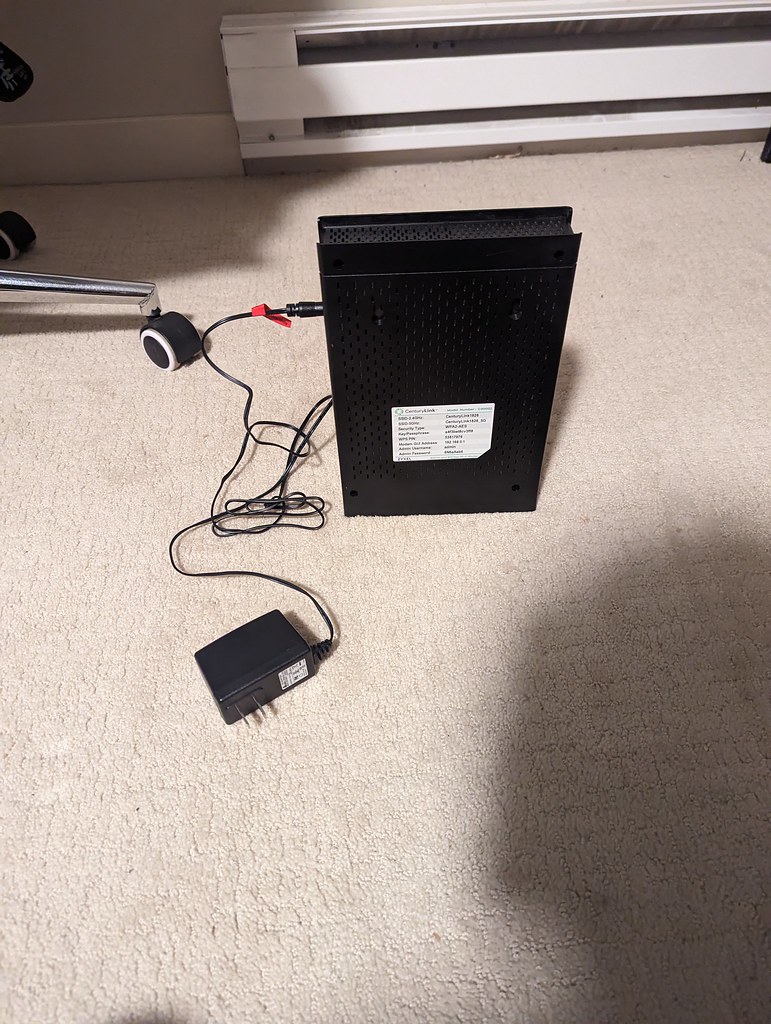
Somewhere in your house, probably behind the TV or buried in a cupboard, sits a small box with blinking lights that you have not thought about since the day it was installed. Your router quietly handles every piece of internet traffic in your home, and for most people it has not been updated, checked, or restarted in years. Time to give it five minutes of attention.
Why the router is a security blind spot
Your router is a small computer with its own software (called firmware), and like all software, it has security holes that get discovered over time. Manufacturers release firmware updates to fix them. The problem: unlike your phone, most routers do not update themselves, and nobody reminds you to do it.
A compromised router is nastier than a compromised computer because everything flows through it. Every device in the house, every website visit, potentially rerouted or snooped on. Australian cyber security agencies specifically warn about unpatched routers being targeted.
How to check for a firmware update
Log in to your router’s admin page: usually by typing 192.168.0.1 or 192.168.1.1 into your browser (the address and default password are on a sticker on the router itself). Look for sections called Administration, System, or Firmware. Many modern routers have a “check for updates” button. Some newer ones (and most ISP-supplied modems) update automatically, worth checking whether yours does.
If you have never logged in and the sticker password still works, you are normal. If the sticker password does NOT work and you never changed it, someone else might have, worth investigating.
Five-minute router tune-up
- Restart it. The classic turn-it-off-and-on actually does clear out junk and memory issues. Once every few months is a fine habit.
- Change the admin password. If it is still the one on the sticker, change it. That sticker password protects settings anyone on your Wi-Fi could otherwise mess with.
- Check your Wi-Fi password is strong. If it is still the default, or something like your street name, change it to something random.
- Make sure it is using WPA2 or WPA3 security. Found in the wireless settings. If it says WEP or WPA1, the router is ancient and genuinely due for replacement.
- Update the firmware if an update exists.
Placement matters more than people think
The same router performs completely differently depending on where it lives. Central and elevated beats corner and floor. Keep it out of cupboards (they block the signal and cook the electronics), away from the fish tank (water absorbs Wi-Fi surprisingly well), and not right next to the microwave or cordless phone base.
If your router is in the front corner of the house where the NBN installer put it, the back rooms will always struggle. Moving it or adding a Wi-Fi extender or mesh system makes a bigger difference than any settings tweak.
When the router itself is the problem
Routers age like everything else. Signs yours is done: needing weekly restarts, Wi-Fi dropping randomly, speeds well below what your NBN delivers on a cable, or being over five or six years old. A decent replacement runs $100 to $250 and can transform your home internet overnight.