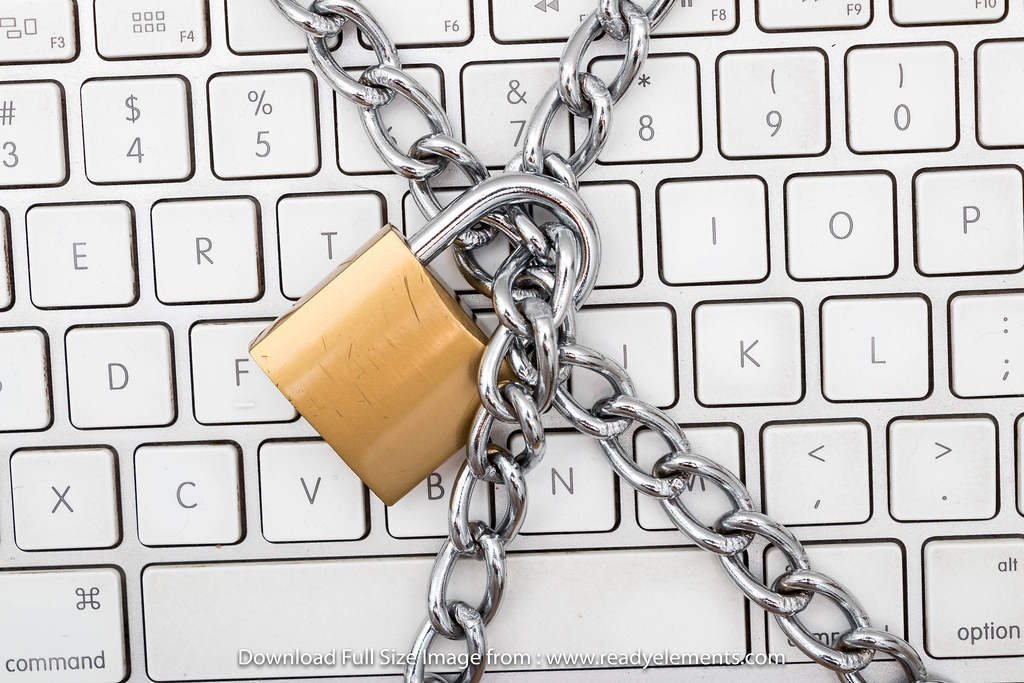
The start of a new year is when most of us promise to eat better, move more, and finally sort out that drawer in the kitchen. Here is one resolution that takes less than half an hour and protects everything from your bank account to your family photos: a quick security reset.
You do not need to be technical to do this. Grab a cuppa, sit down with your phone, and work through the list below.
1. Change your three most important passwords
You do not need to change every password you own. Start with the big three:
- Your email account. If a scammer gets into your email, they can reset the passwords to almost everything else you own. This one matters most.
- Your banking login. Obvious, but often the one people put off because the app is already signed in on their phone.
- Your myGov or Medicare login. Government accounts are a favourite target for scammers in Australia.
A good password is long, not complicated. Three or four random words strung together, like purple-coffee-torch-harbour, is both stronger and easier to remember than X7!q2b.
2. Turn on two-factor authentication
Two-factor authentication (sometimes called 2FA) means a second check after your password, usually a code sent to your phone or generated by an app. Even if someone steals your password, they still cannot get in.
Turn it on for your email and bank first. Most Australian banks offer it in their app settings, and every major email provider does too. It takes about two minutes per account.
3. Check who is logged into your accounts
Both Google and Facebook let you see every device currently signed into your account. In Google, go to your account settings and look for Your devices. In Facebook, it is under Password and security > Where you are logged in.
See an old phone you sold last year? A computer you do not recognise? Tap it and log it out. It is oddly satisfying.
4. Update your devices while you are at it
Those update notifications are not just annoying pop-ups. Most updates fix security holes that criminals actively exploit. Run updates on your phone, your computer, and yes, even your tablet that lives on the coffee table.
5. Have the conversation with family
While you are feeling virtuous, check in with parents or grandparents who might reuse the same password everywhere. Offering to help them through this same list is one of the kindest tech favours you can do.
The payoff
Twenty minutes of effort buys you a year of dramatically lower risk. Scammers rely on old passwords and unprotected accounts. A quick reset means they move on to an easier target.